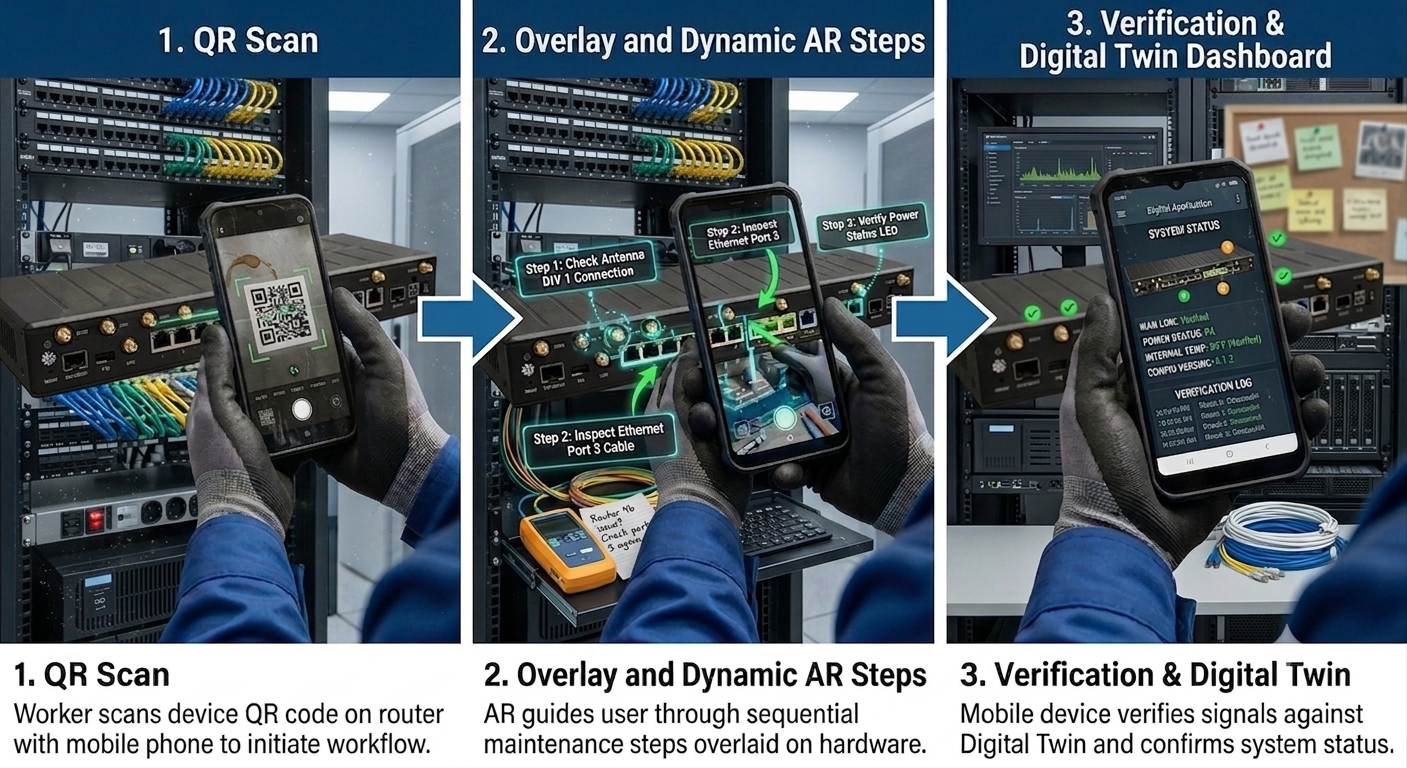
Built the case, designed the experience, validated it on live installations — 60% faster, zero support calls.
Field technicians installing Cradlepoint hardware carried a digital manual on their device. But every time they needed to check a step, they stopped, unlocked, navigated to the right section, read the instruction, put the device down, and continued. Then repeated. Then called tech support after installation to verbally confirm signal strength — because there was no on-site verification without specialist equipment.
The technician's problem isn't information access — they have the manual. The problem is that the information isn't connected to what they're looking at. The guide exists in one world; the hardware exists in another. Every reference breaks focus on the physical task. AR closes that gap.
I built the case for this and presented it to Cradlepoint's leadership. The pitch wasn't about the technology. It was about the cost of broken attention — multiplied across hundreds of installations per week. Every unnecessary call to tech support has a cost: the technician's time, the support agent's time, and the risk that verbal guidance over the phone introduces a new error.
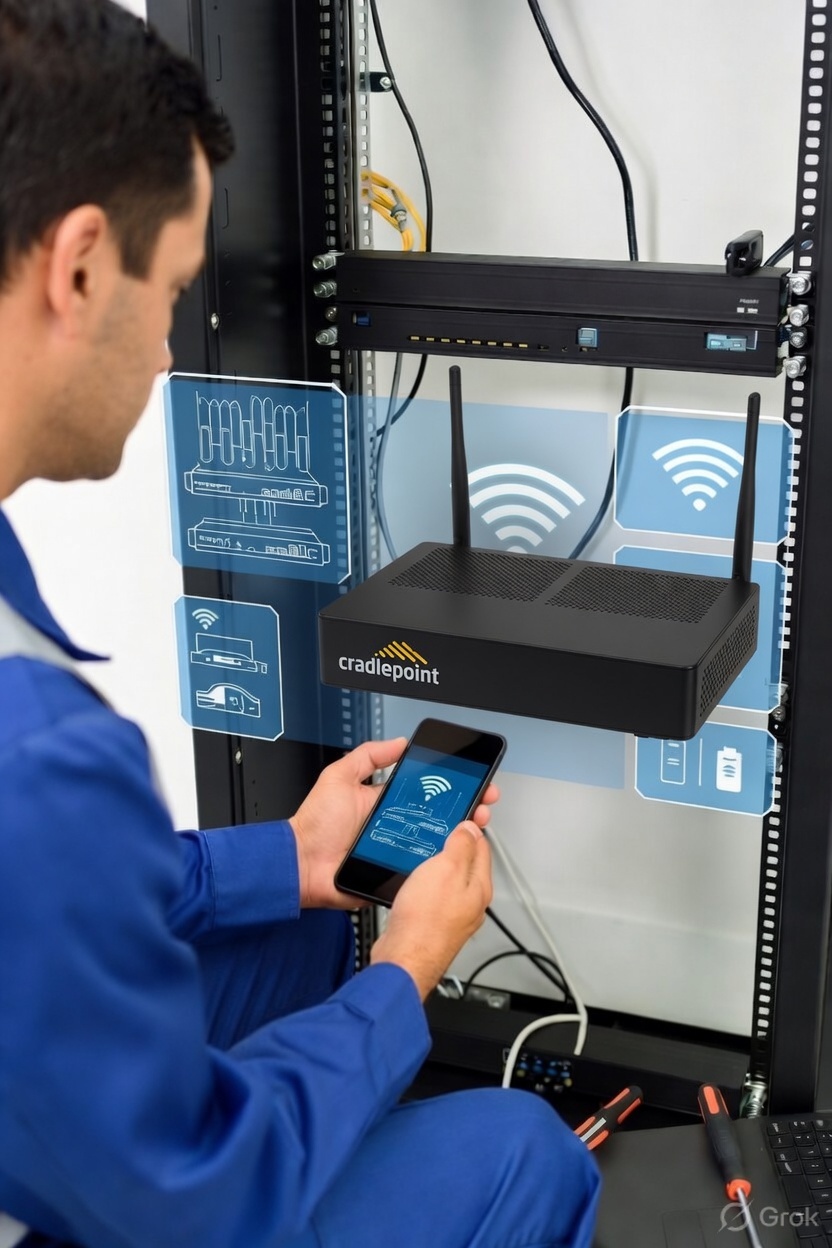
The obvious question when proposing AR for field technicians: why not a headset? HoloLens or smart glasses would give hands-free operation. I explored this seriously before rejecting it.
The solution had three interdependent components. I designed the UX across all three and worked directly with the Unity development team to bring the AR experience to life.
Validated on live installations with field technicians in the US — not projected, not estimated.
The hardest part of this project wasn't the AR design — it was the pitch. Proposing something unfamiliar to leadership in a hardware company requires translating the UX problem into language that connects to what they actually care about: operational efficiency, support costs, and technician utilisation.
I didn't pitch AR. I pitched the cost of a phone call multiplied by hundreds of installations per week. AR was the solution. The problem was the one leadership already owned. Designing for phone-based AR in an enterprise hardware context — before AR was a mainstream conversation — meant designing without precedent. Every decision about overlay density, step pacing, and one-handed interaction had to be reasoned from first principles.